Vox iOS app
Vox app with news, podcasts and video all in one place
I worked on the MVP for a Vox app that includes news, podcasts and video. The goal of the app was to provide a premium experience for subscribers, specifically ad-free podcasts and vertical video.
Initial Prototype
To gain leadership's sign on for the project, I did some quick wireframes (using the design system) of what the app could look like based on a few simple requirements:
- Homepage + Articles
- Podcasts
- Videos - vertical & horizontal
- Account + Saved Articles
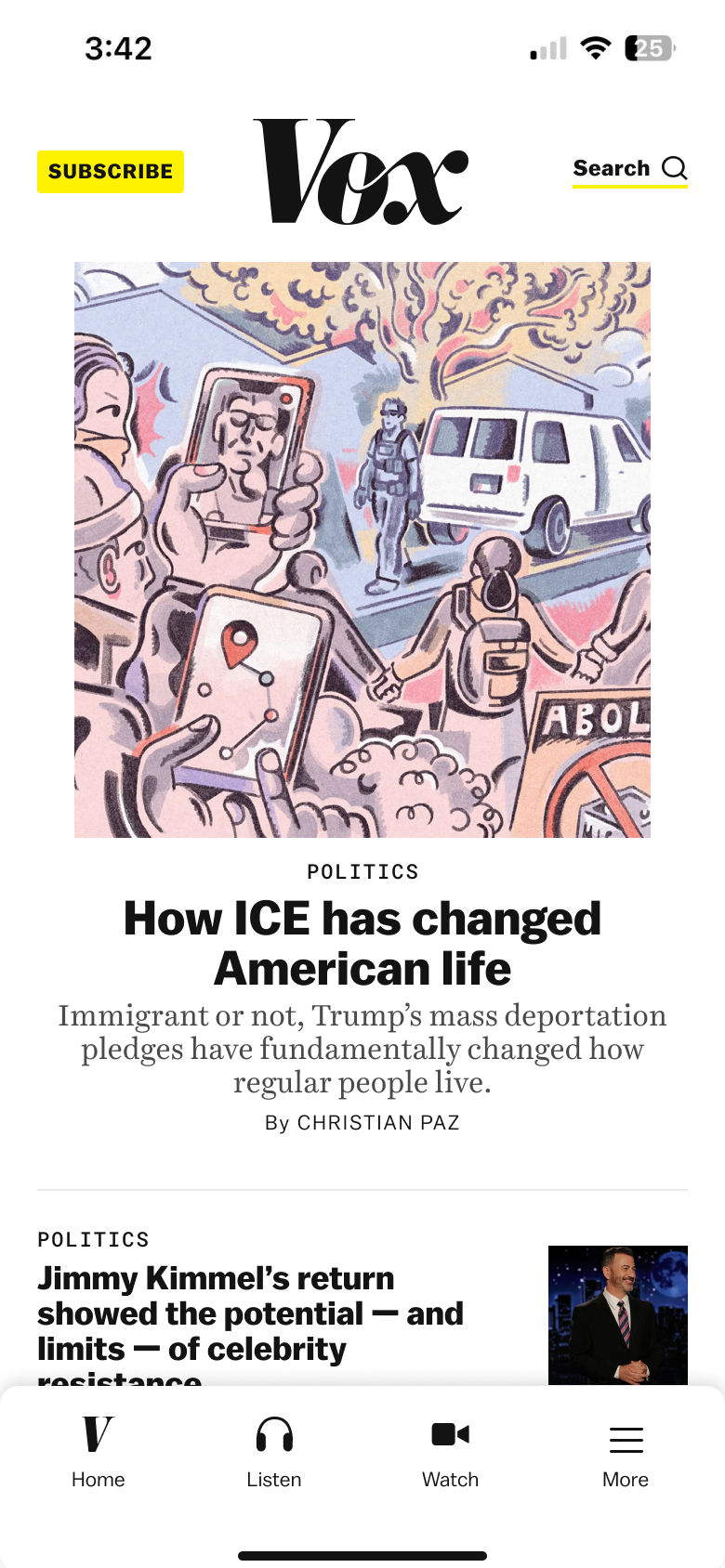 home tab
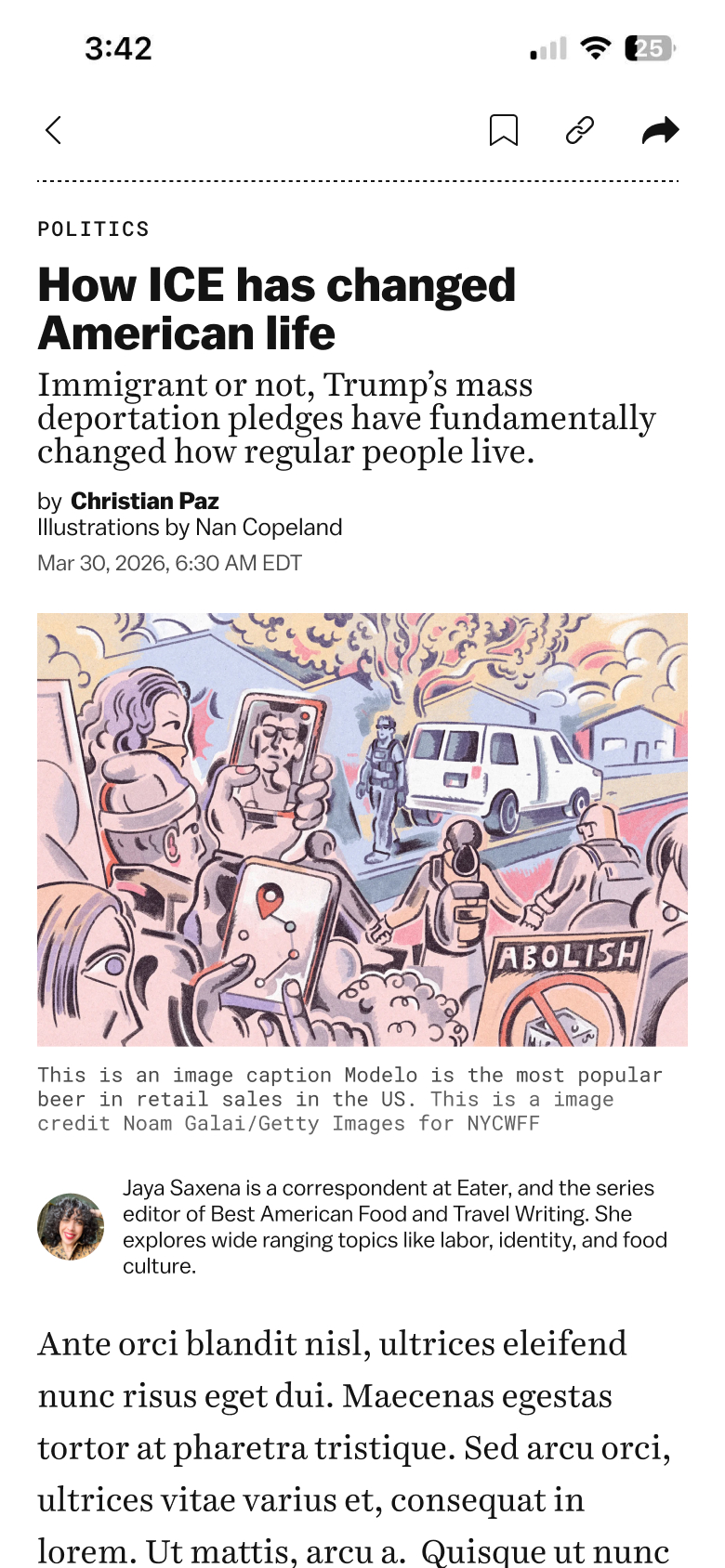 article tab
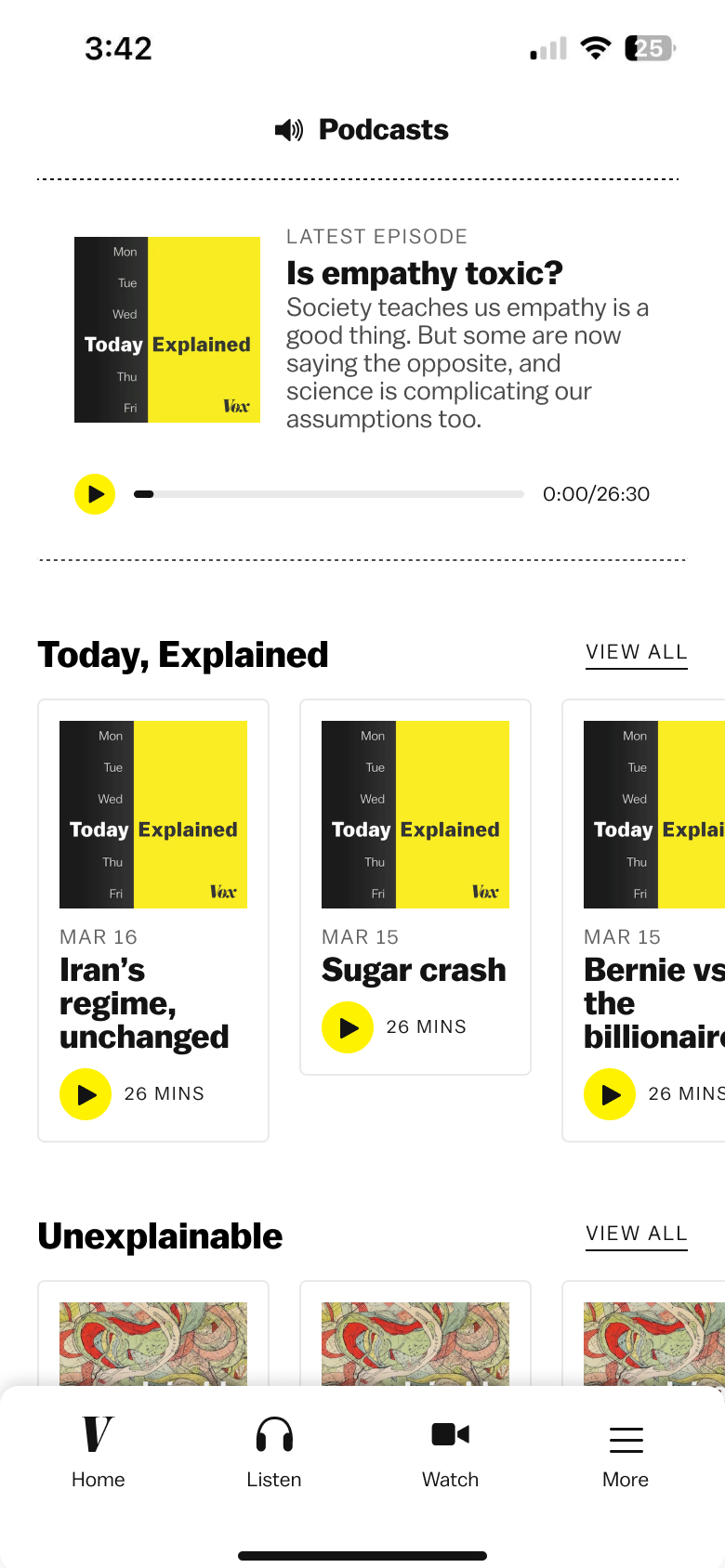 podcasts tab
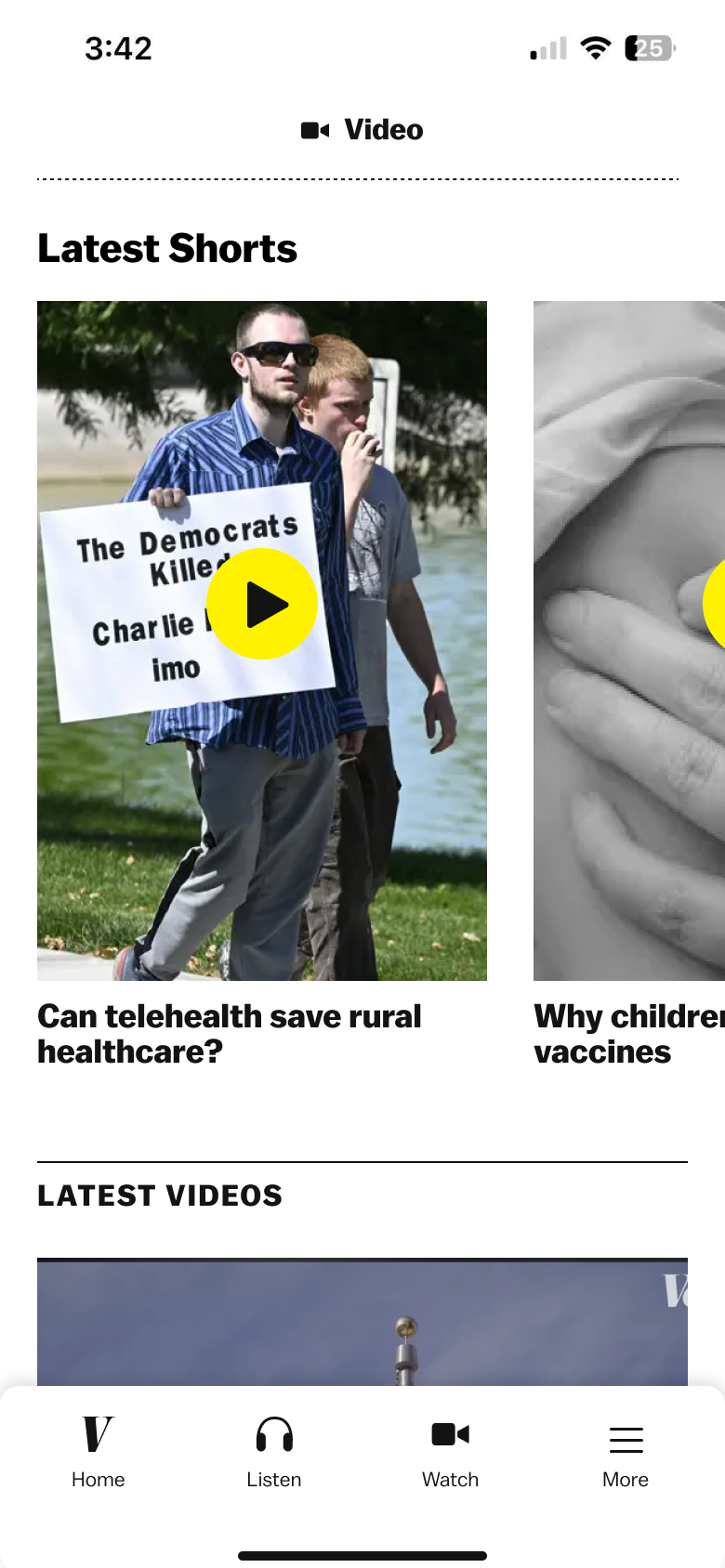 video tab
Nav & Video
Once we got signoff to work on the app, we wanted to start building it ASAP. So, the first decision we committed to was using the default Apple liquid glass navigation. One of the app developers highly encouraged us to do this because it would be easier to maintain. At first I didn't love it but I was eventually convinced because the native audio player was very slick and the tradeoffs seemed worth it.
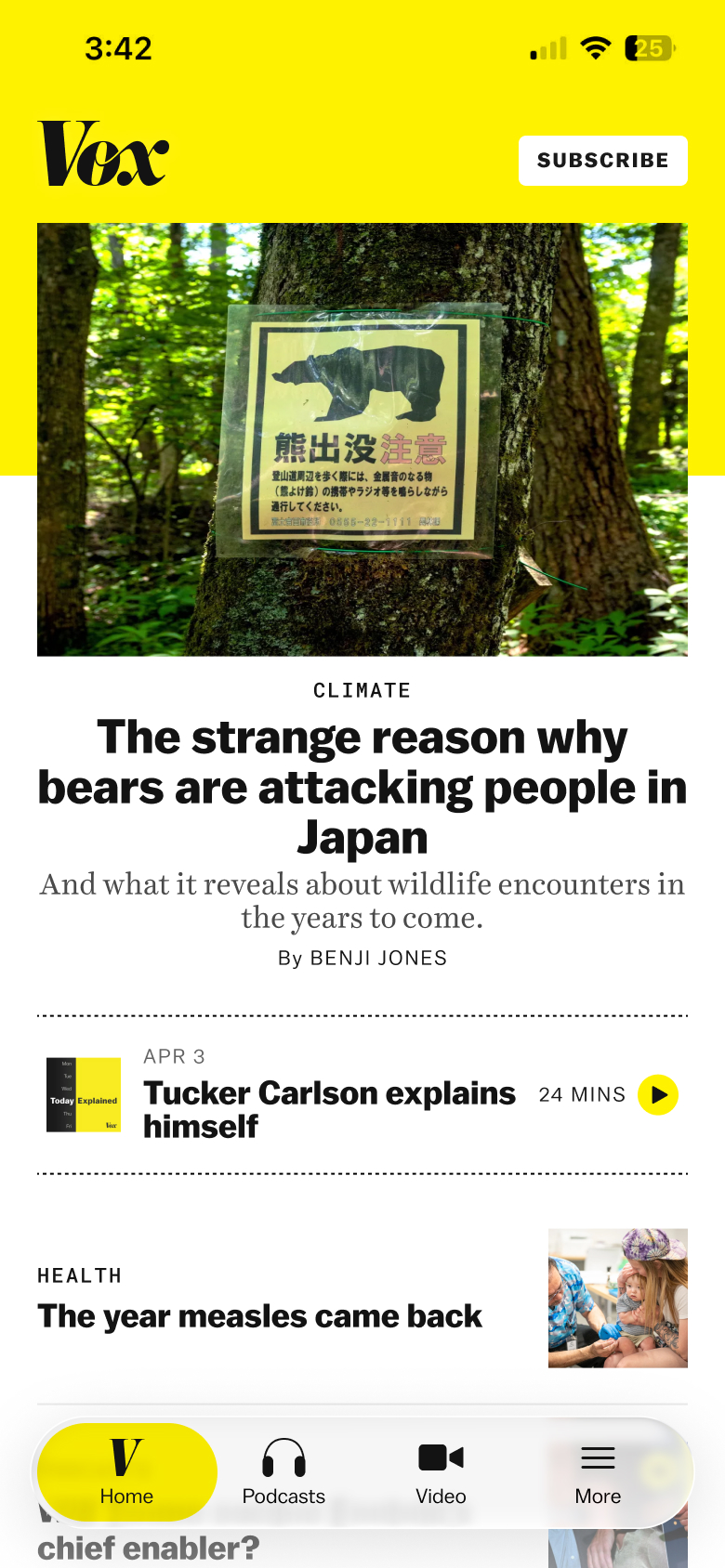 home tab + liquid glass nav
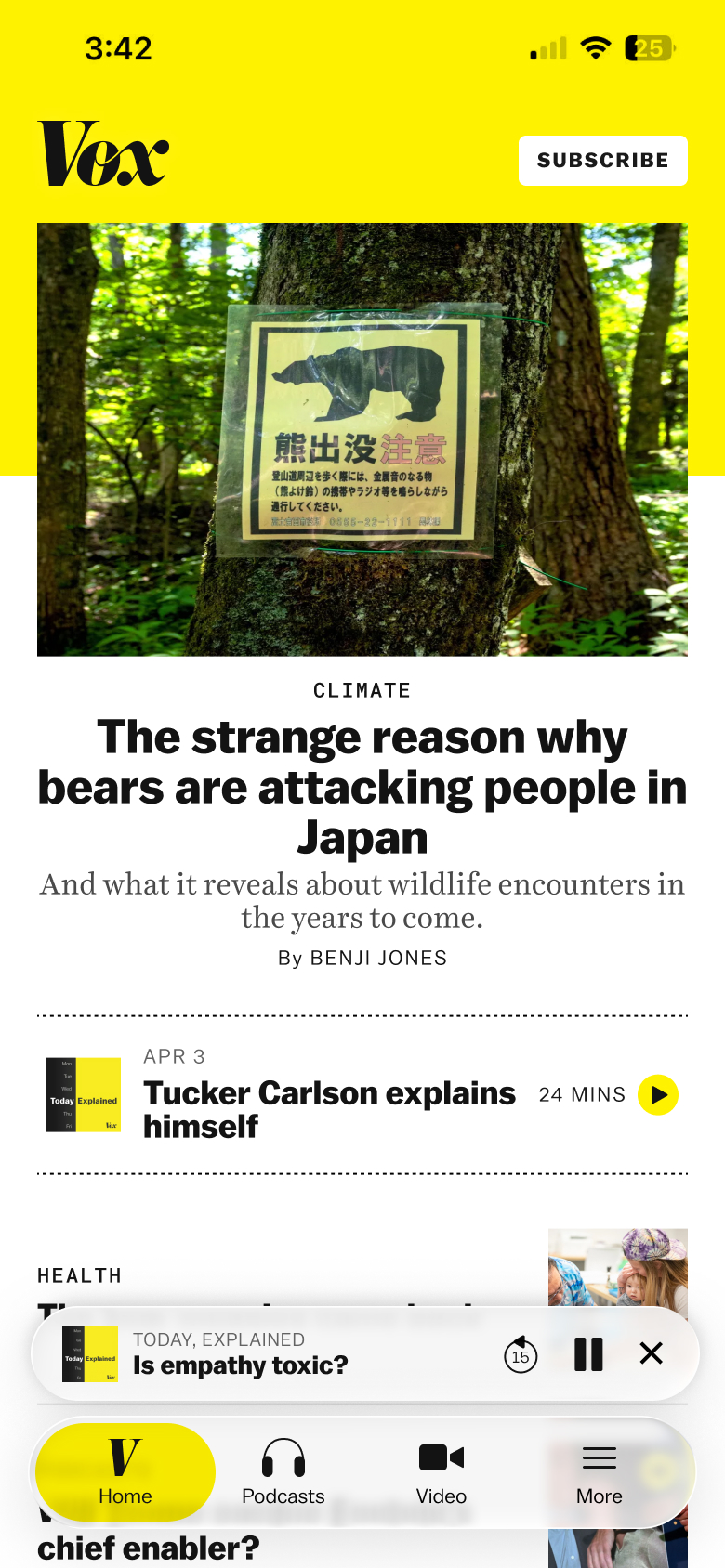 home tab + liquid glass native audio player
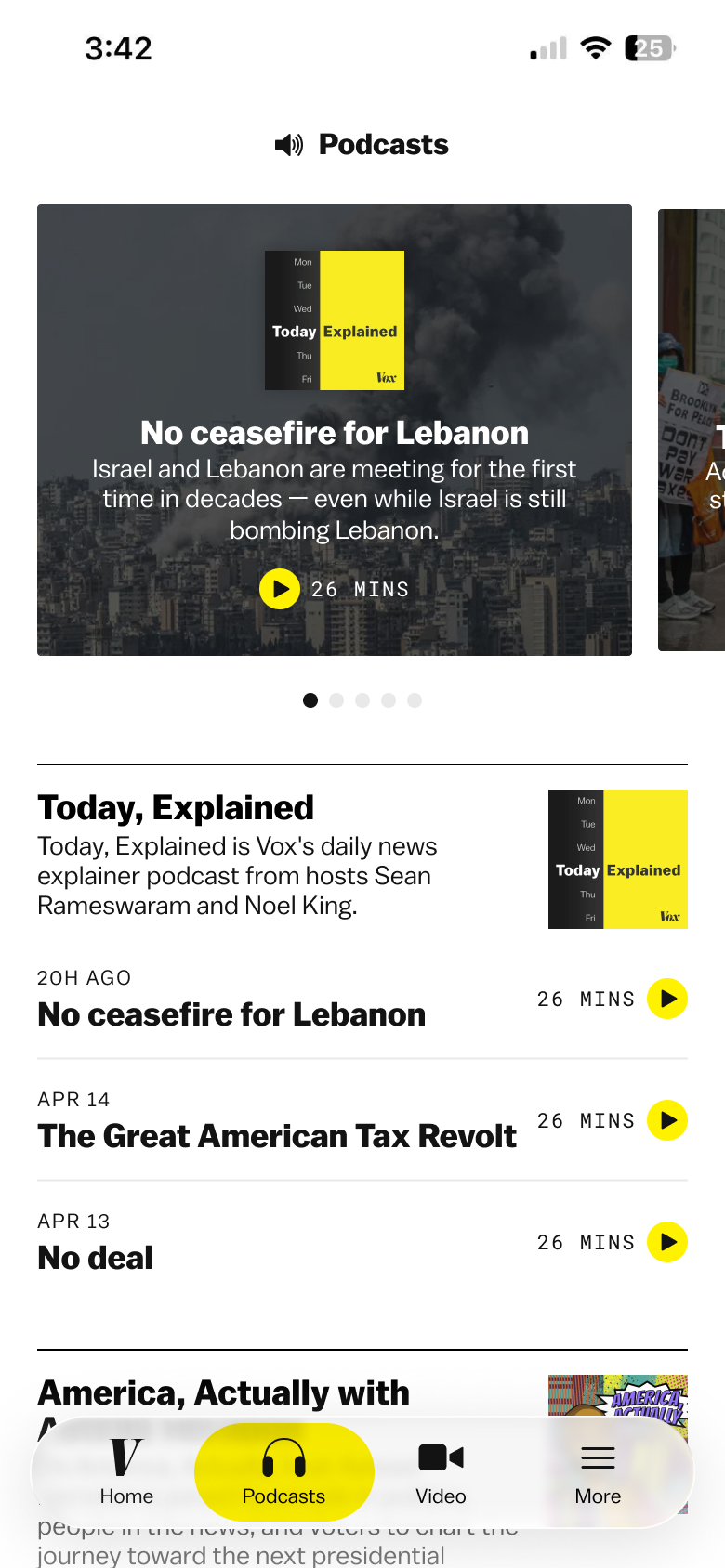 podcasts tab + liquid glass nav
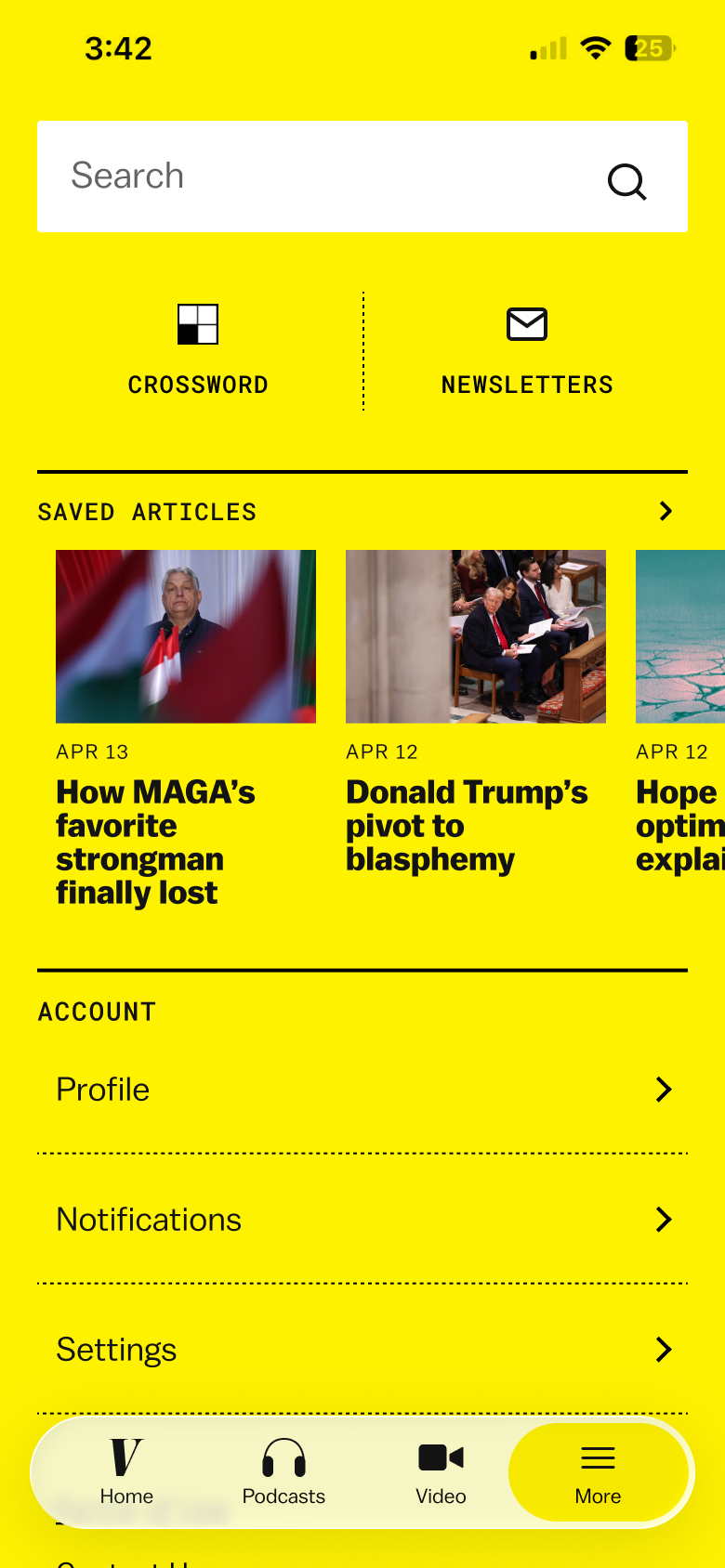 more tab + liquid glass nav
For the video tab, editorial requested an emphasis on vertical video but also wanted to feature horizontal videos from YouTube. I initially was trying a version where both video types were available and when you clicked on a vertical video, you could vertically scroll. But, as the biggest TikTok user on the team, I thought featuring only vertical video that played automatically was a better experience. I suggested this to the team and they agreed it was more engaging and were okay to do this if we could feature horizontal video on the home tab.
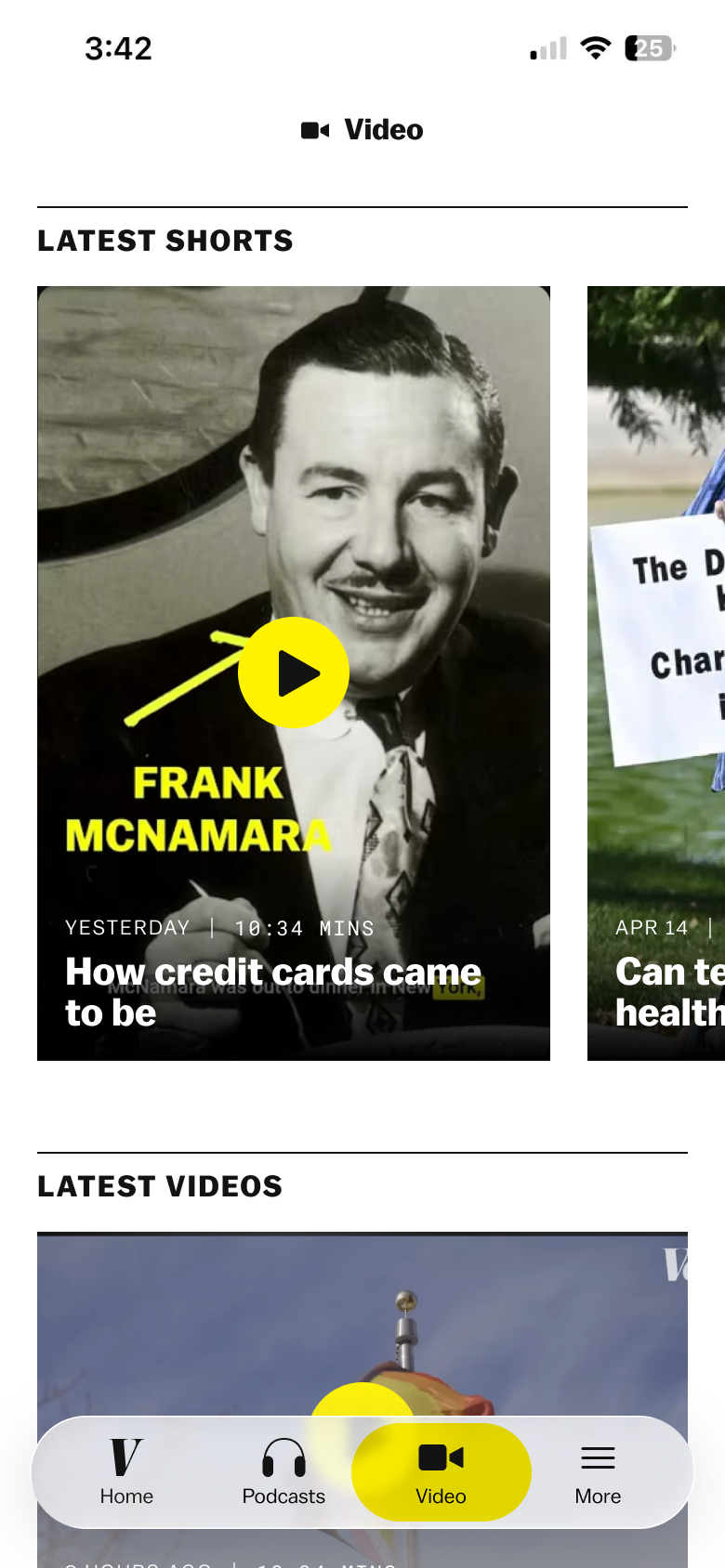 initial video tab mock
 initial video playing mock
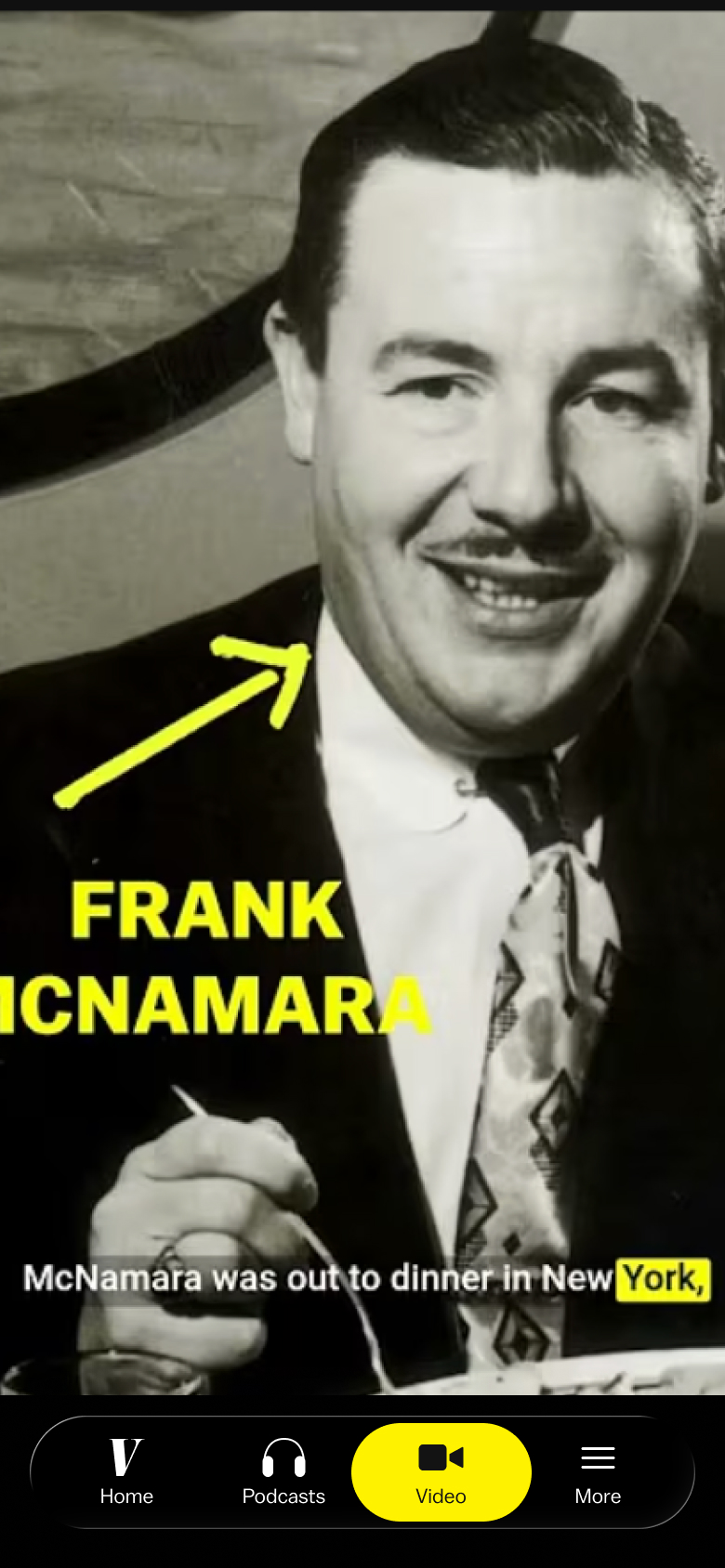 video tab with only vertical video
Podcasts
The podcasts tab was one of the most complicated parts of the app. One of the core parts of the app was being able to listen to Vox podcasts in the app (subscribers get ad-free podcasts, non-subscribers get ads) so it was important to nail the user experience. I also had to figure out the correct focus for the page. Today, Explained publishes every day and is the most popular podcast but we wanted to feature all Vox podcasts.
We presented these 2 options to editorial:
Option 1
- Latest Today, Explained episode at the top
- All shows (except Today, Explained) below w/ latest 2 episodes
- Emphasizes Today, Explained and how often there is a new episode
Option 2
- All shows in a carousel at the top
- All shows below with latest 2 episodes
- Emphasizes overview of Vox podcasts and allows user to quickly access the show they’re looking for
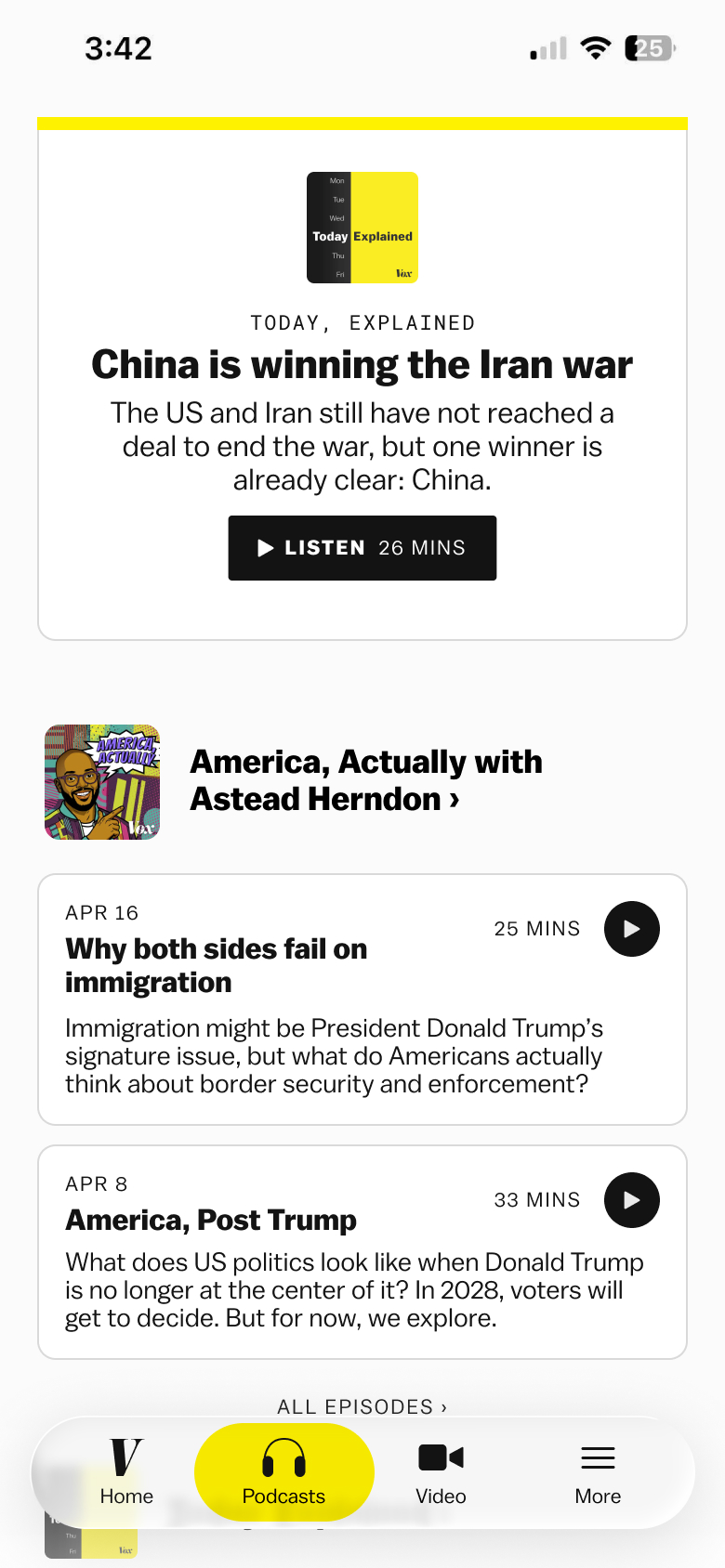 option 1
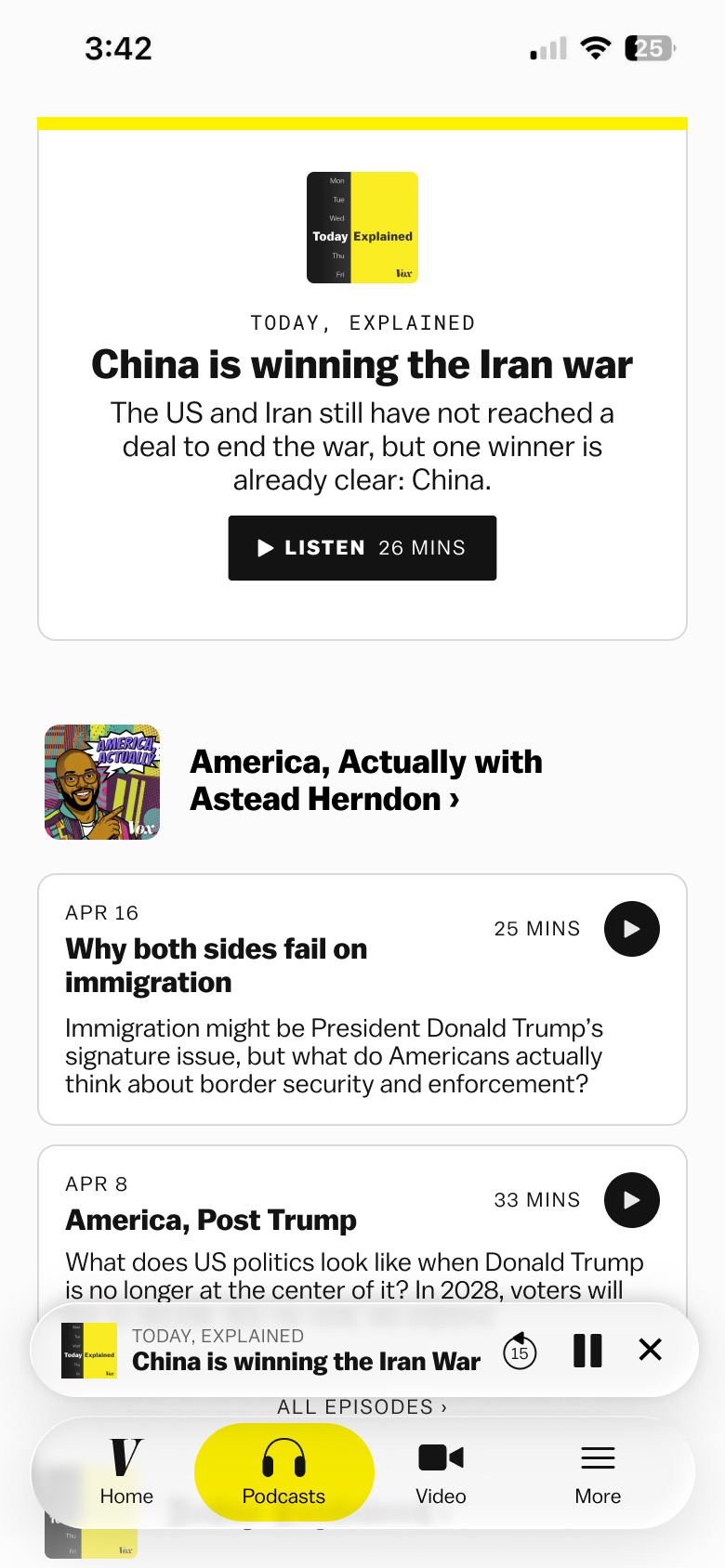 option 1 + podcast playing
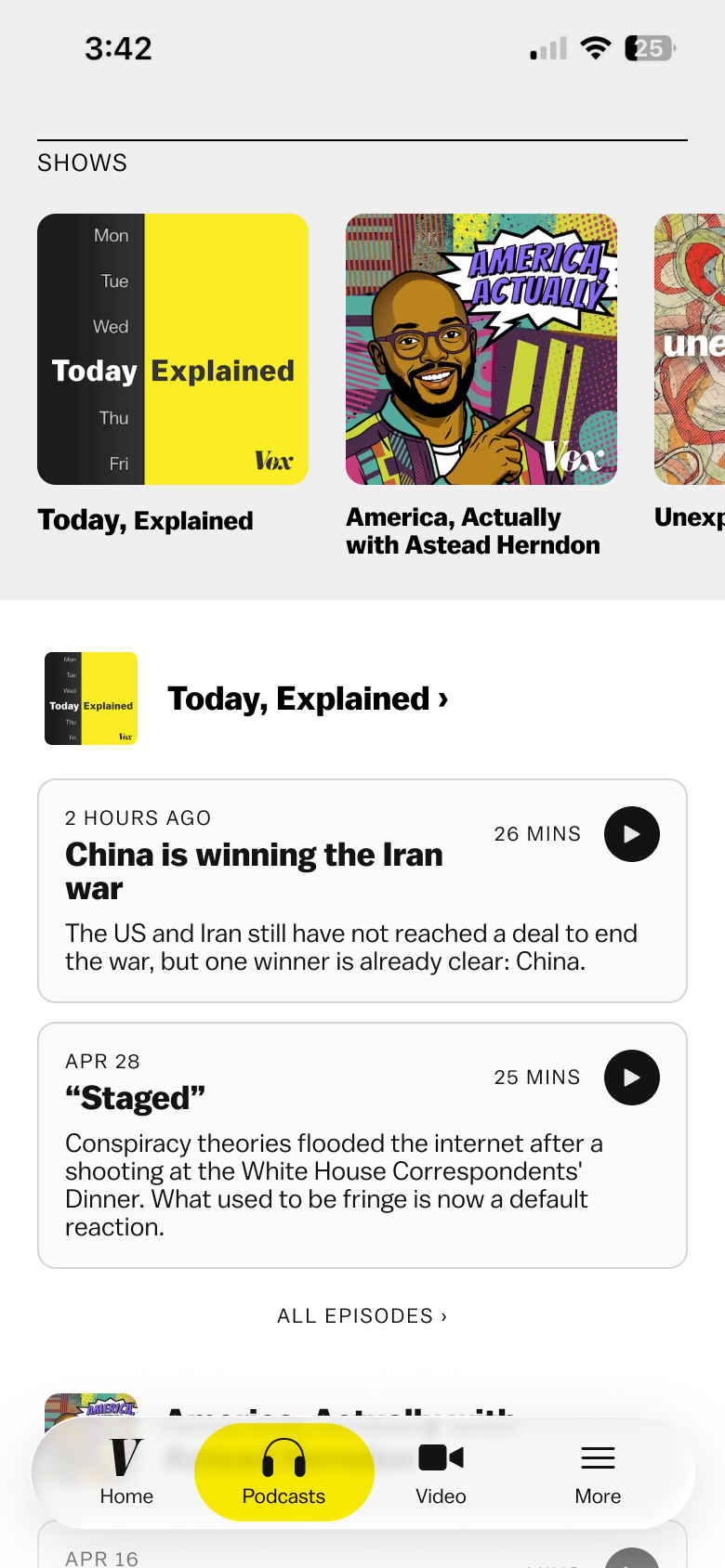 option 2
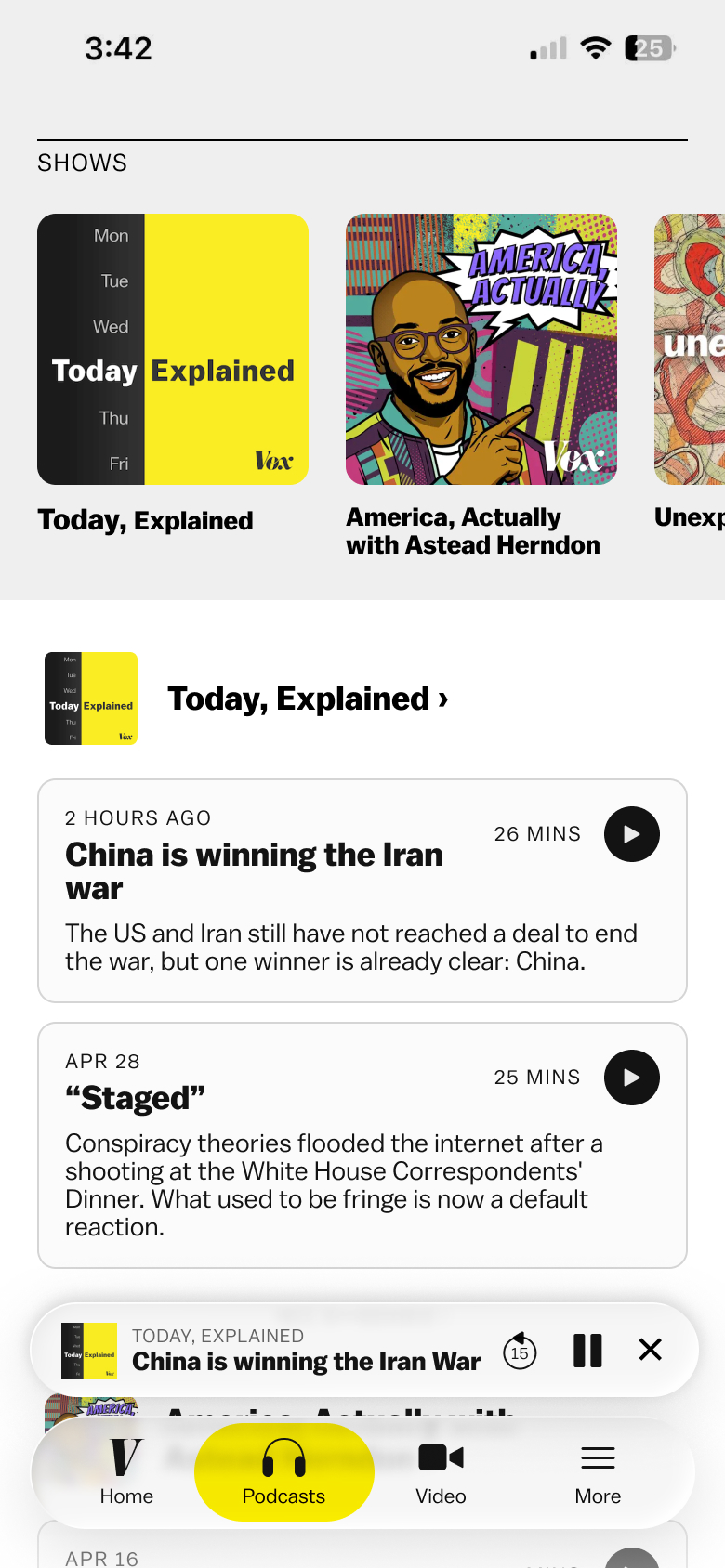 option 2 + podcast playing
Editorial liked option 2 because it focused on all the shows, not just Today, Explained. I also added screens for show and episode pages.
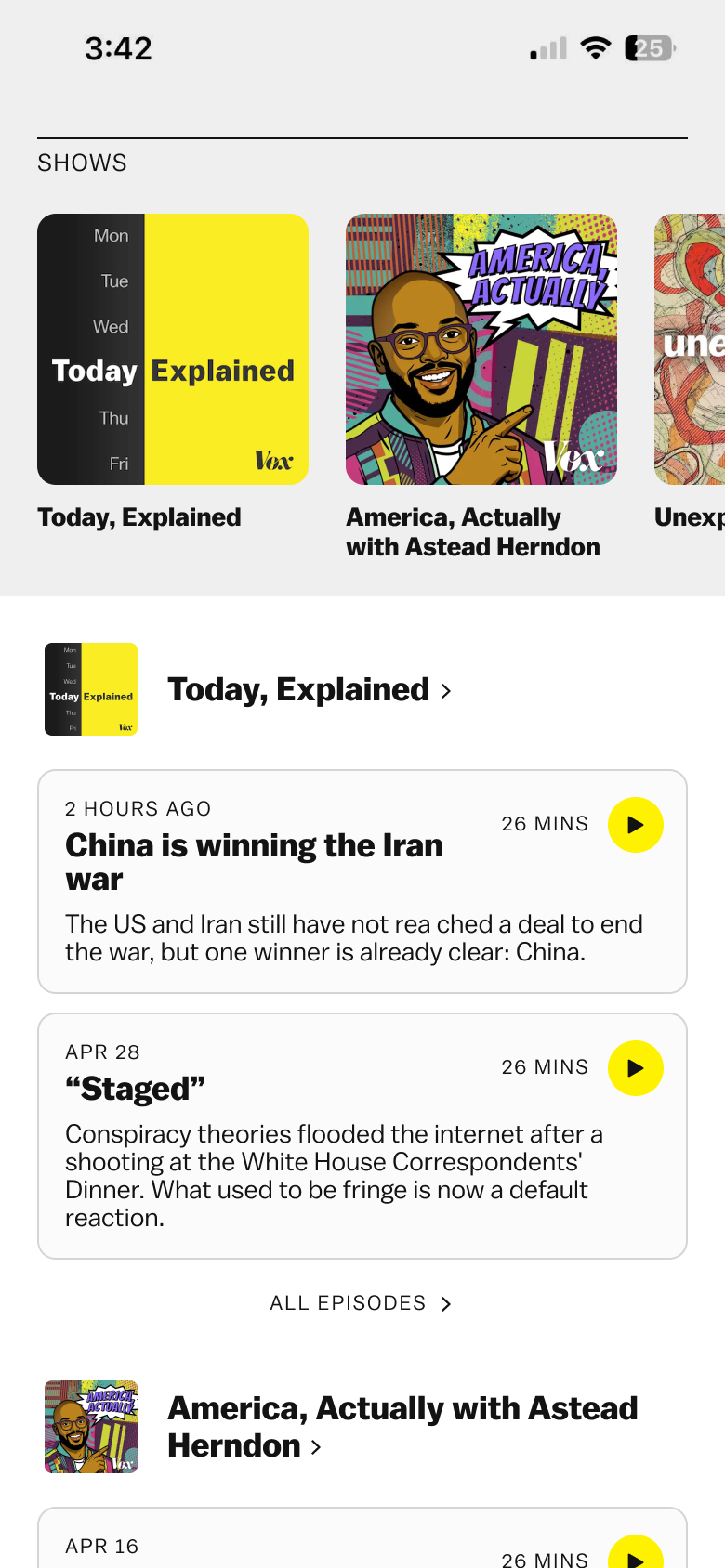 final podcast tab
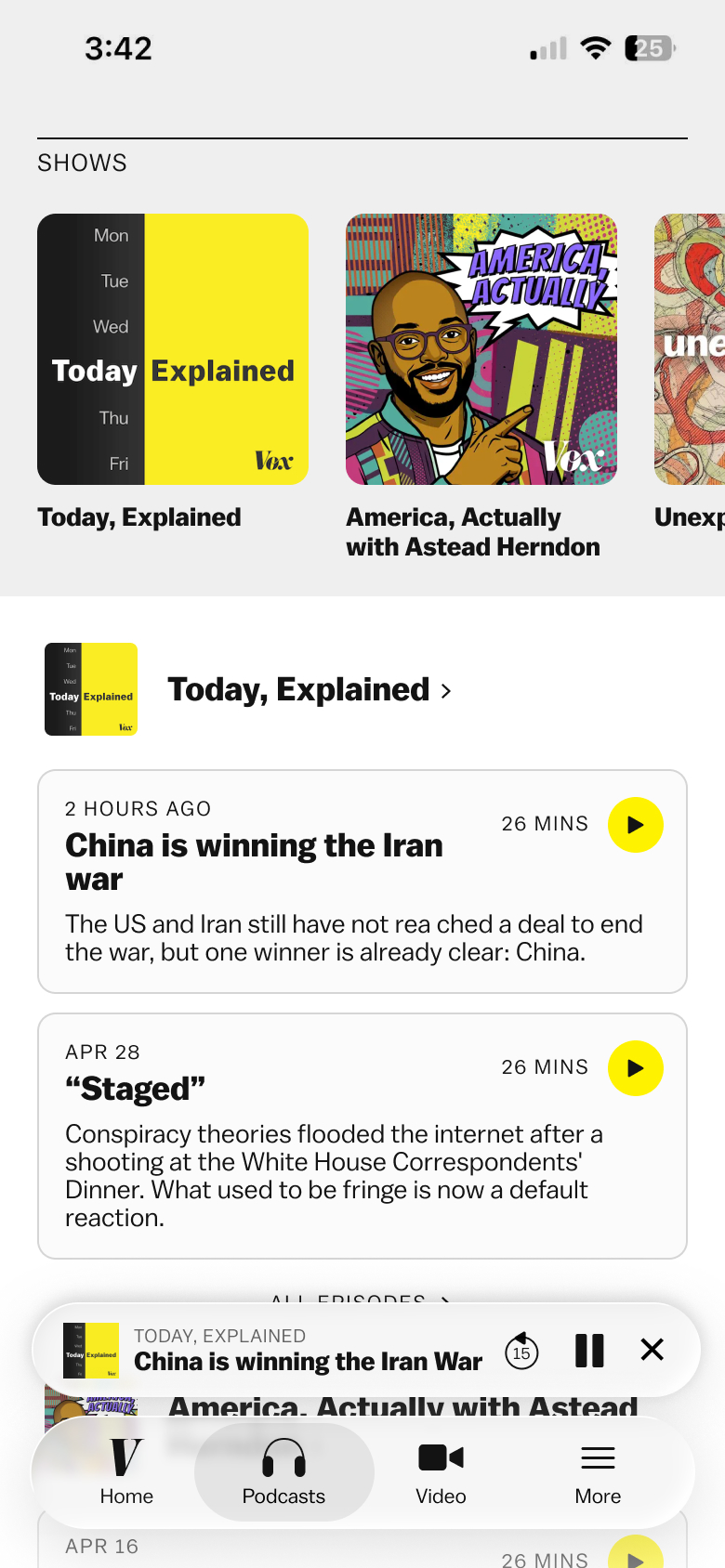 final podcast tab + podcast playing
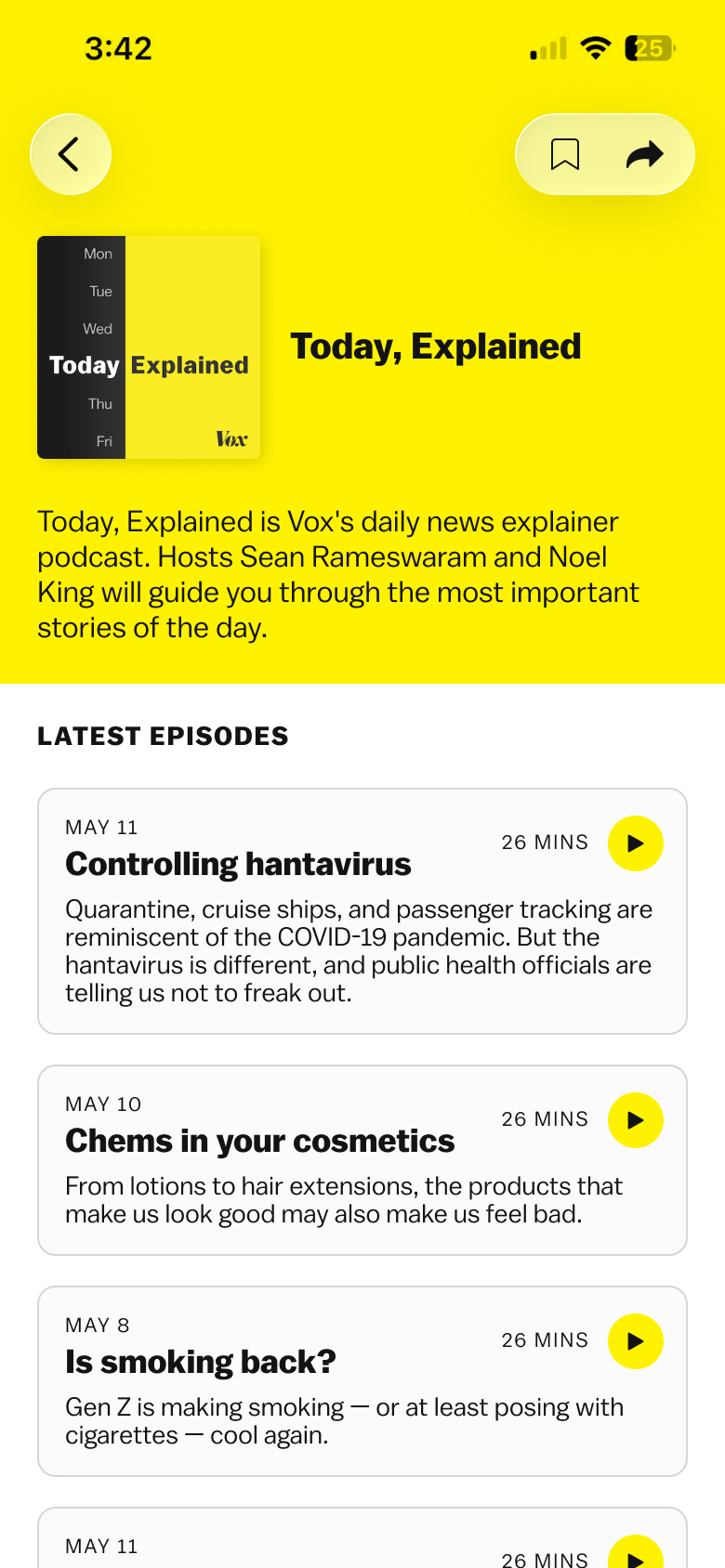 final show page
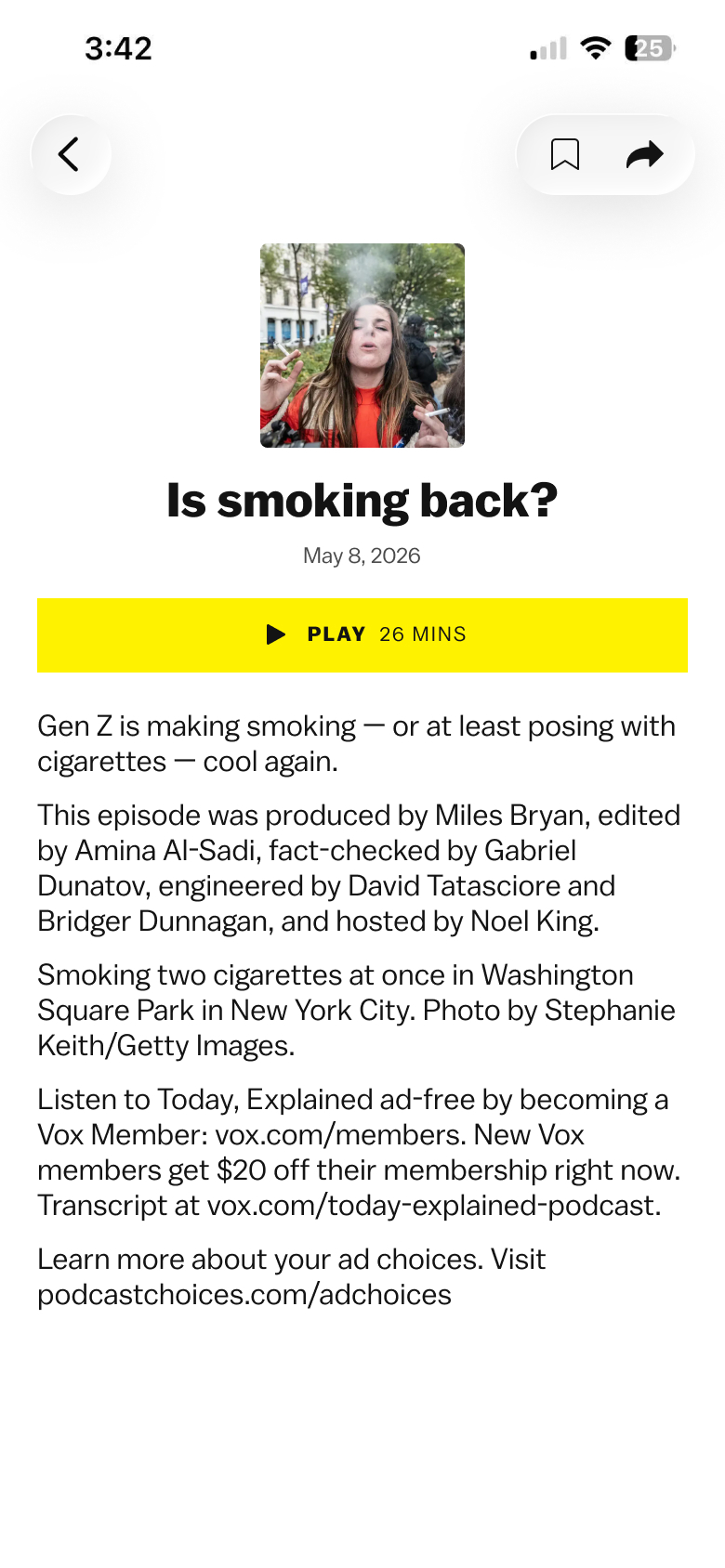 final episode page
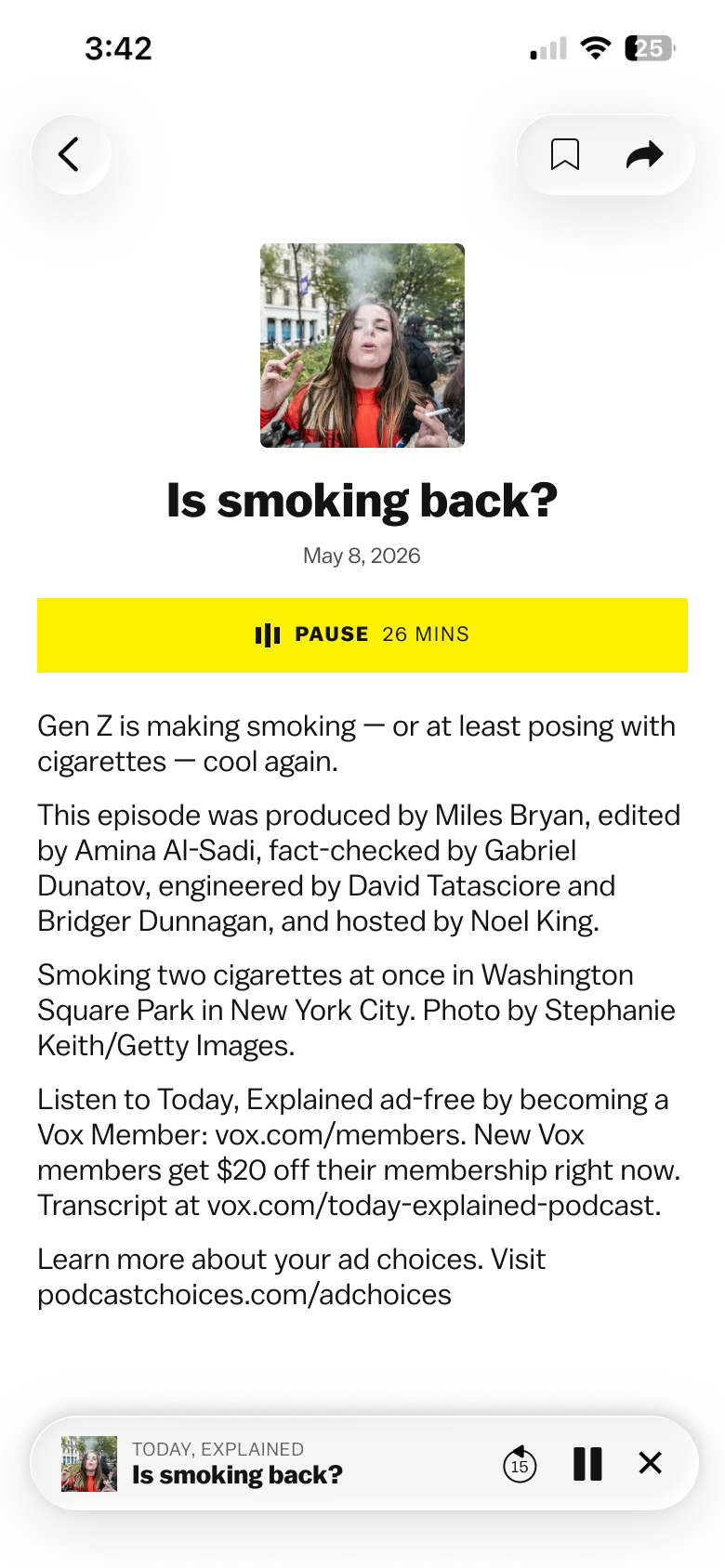 final episode page + podcast playing
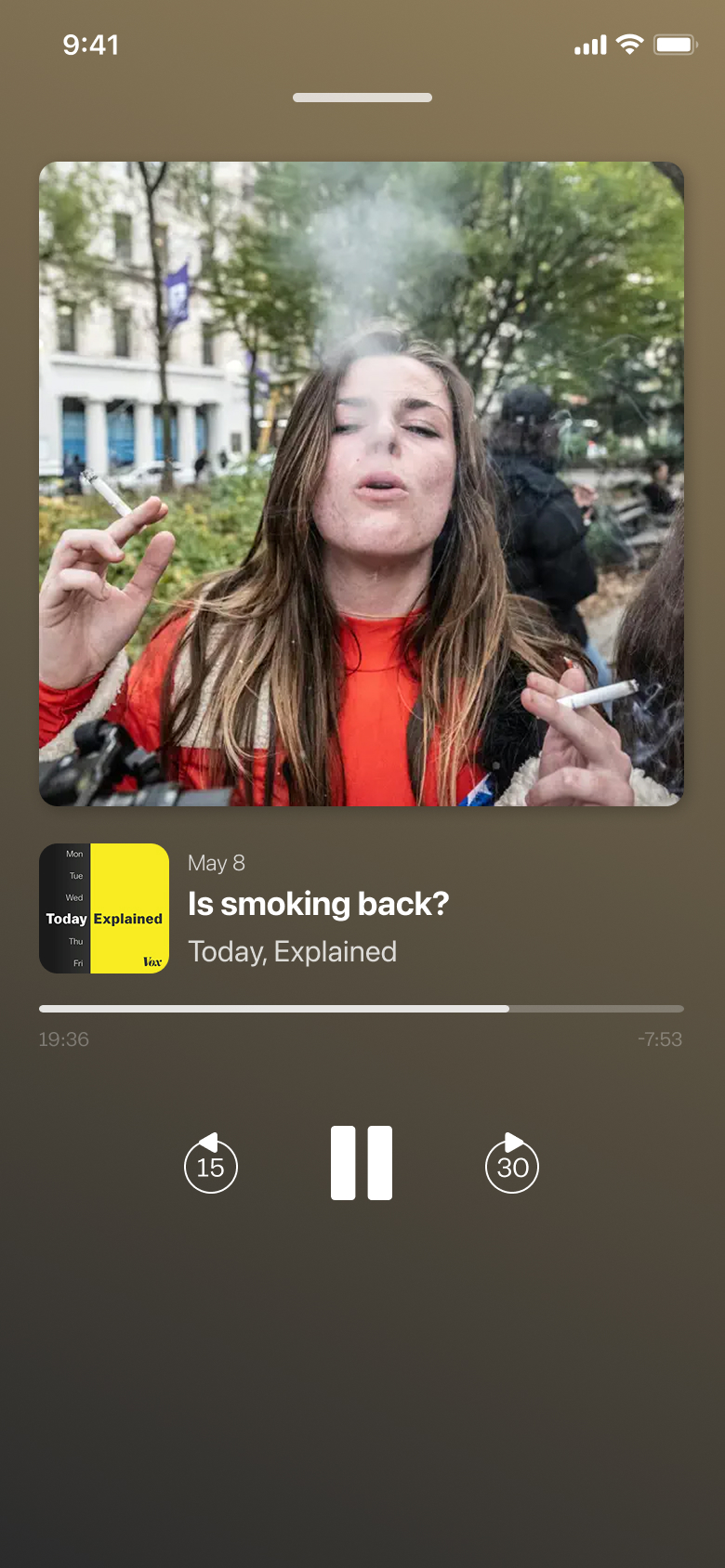 native app audio player
Home
For the home page, we wanted to have the same tooling + design as the Vox.com homepage but with a few additions:
- 2 tabs: default editorialized homepage & reverse chron latest feed - the latest feed would be for users who check the homepage multiple times per day.
- Latest Today, Explained podcast episode
- Latest horizontal video (if published within the past 48 hours)
I knew the latest horizontal video would go below the first view of the app ("below the fold") so I initially prioritized the tabs and the latest podcast.
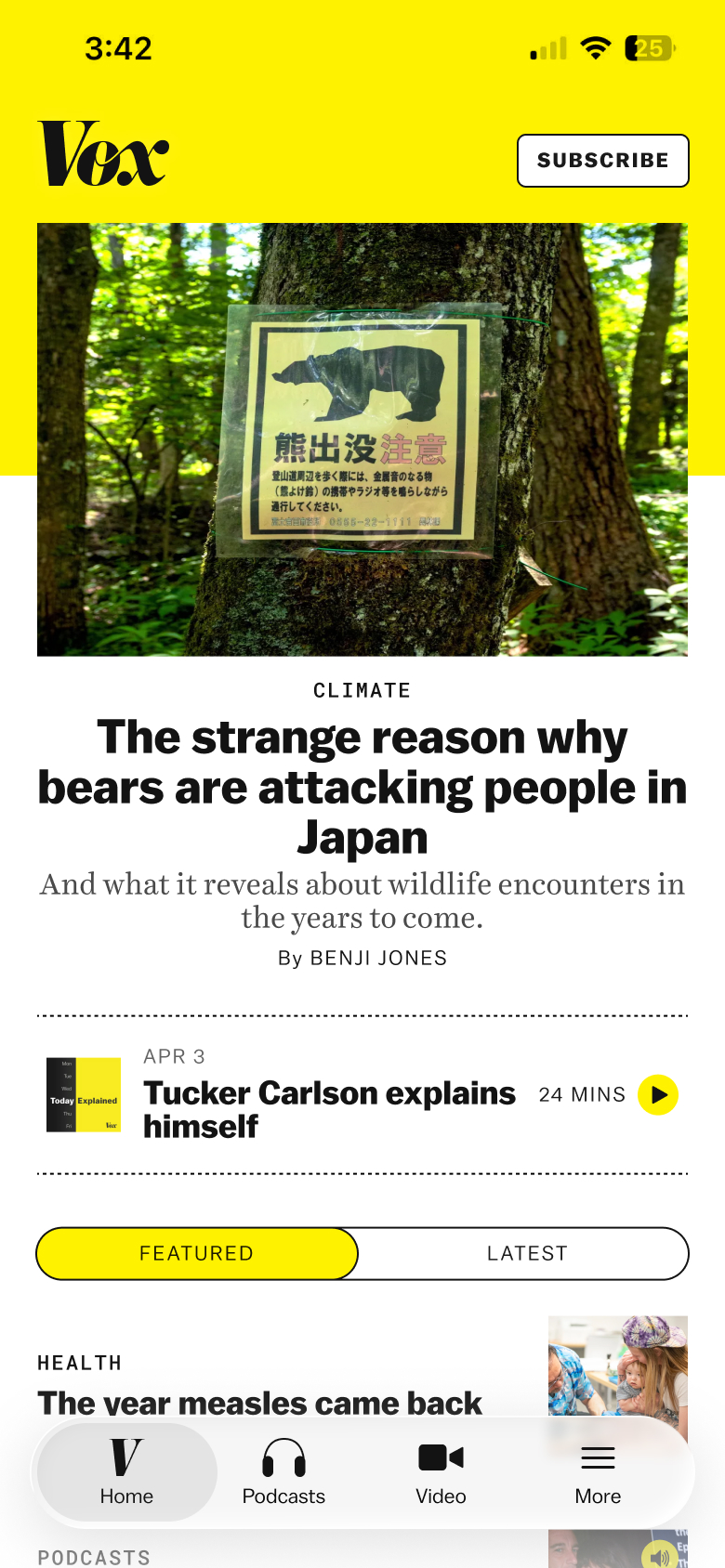 home tab mock
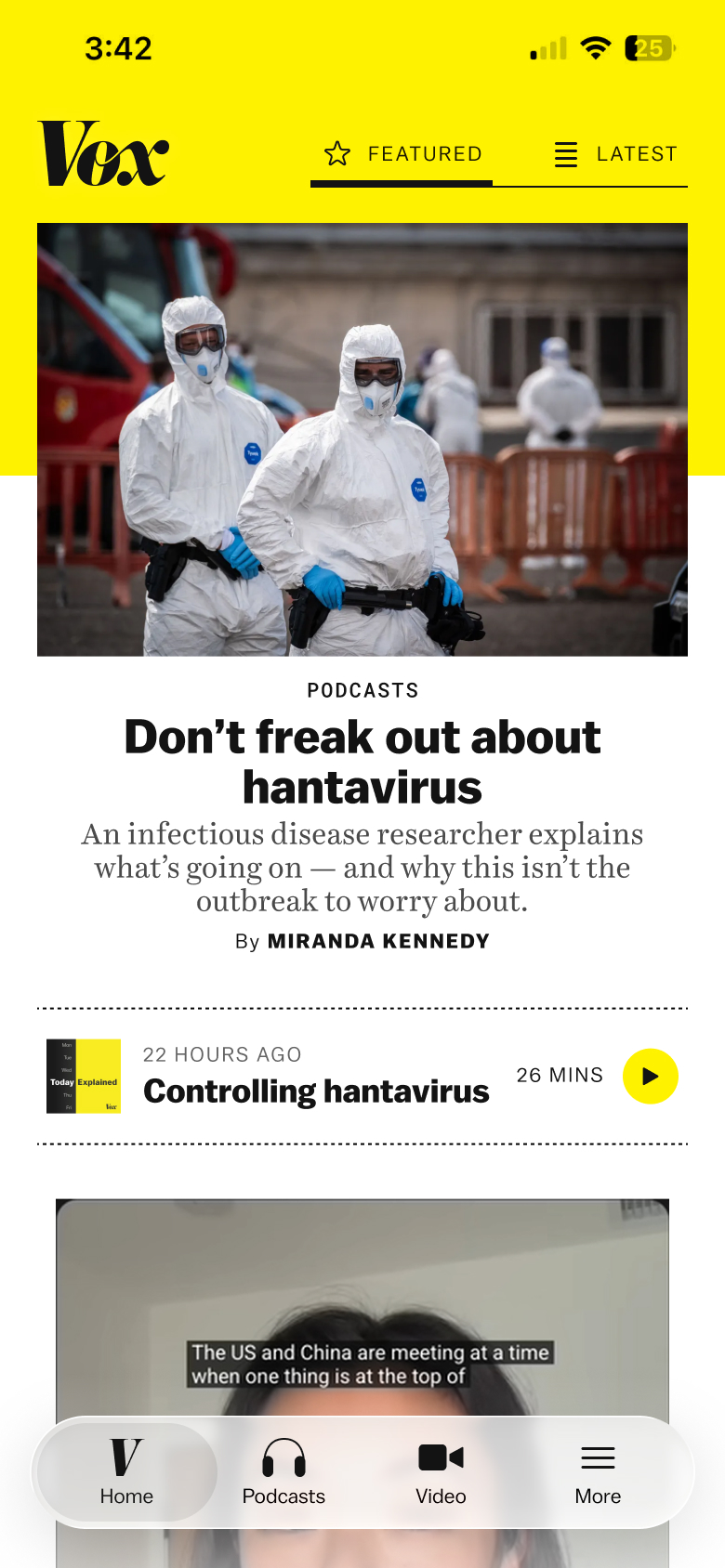 home tab mock
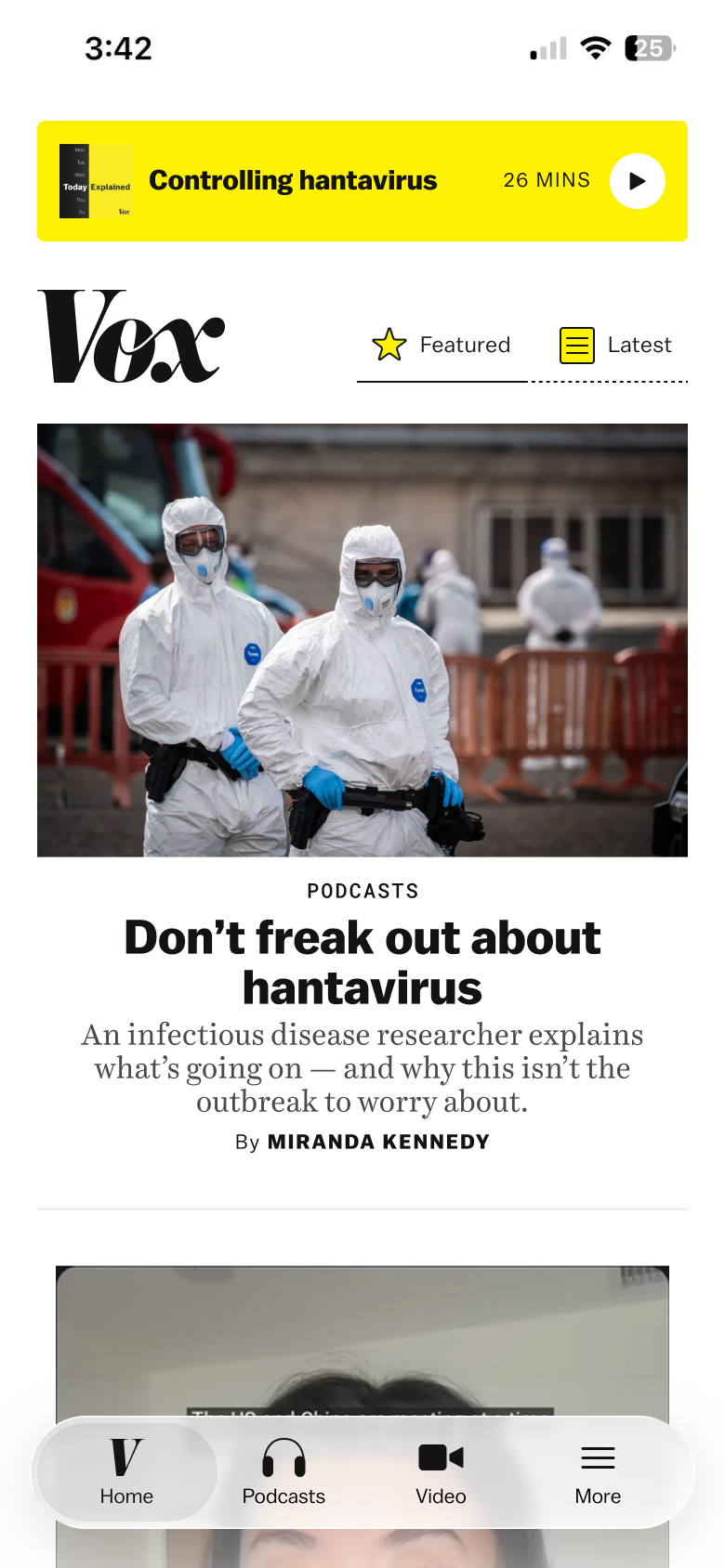 home tab mock
We decided the tabs worked better at the top of the page instead of after the lead story. I liked the podcast at the top of the page but my PM thought it better further down the page because we have a whole podcast tab. After a few refinements, we landed on these mocks.
 home tab, editorialized default
 home tab, editorialized video
 home tab, latest feed
Onboarding
The subscriptions team decided that users should have to sign in to access the app and they would be enrolled in a 14-day free trial. Also, I wanted the sign in, create account, password and payment screens to be reusable because they could be accessed from a few different places in the app.
 loading screen
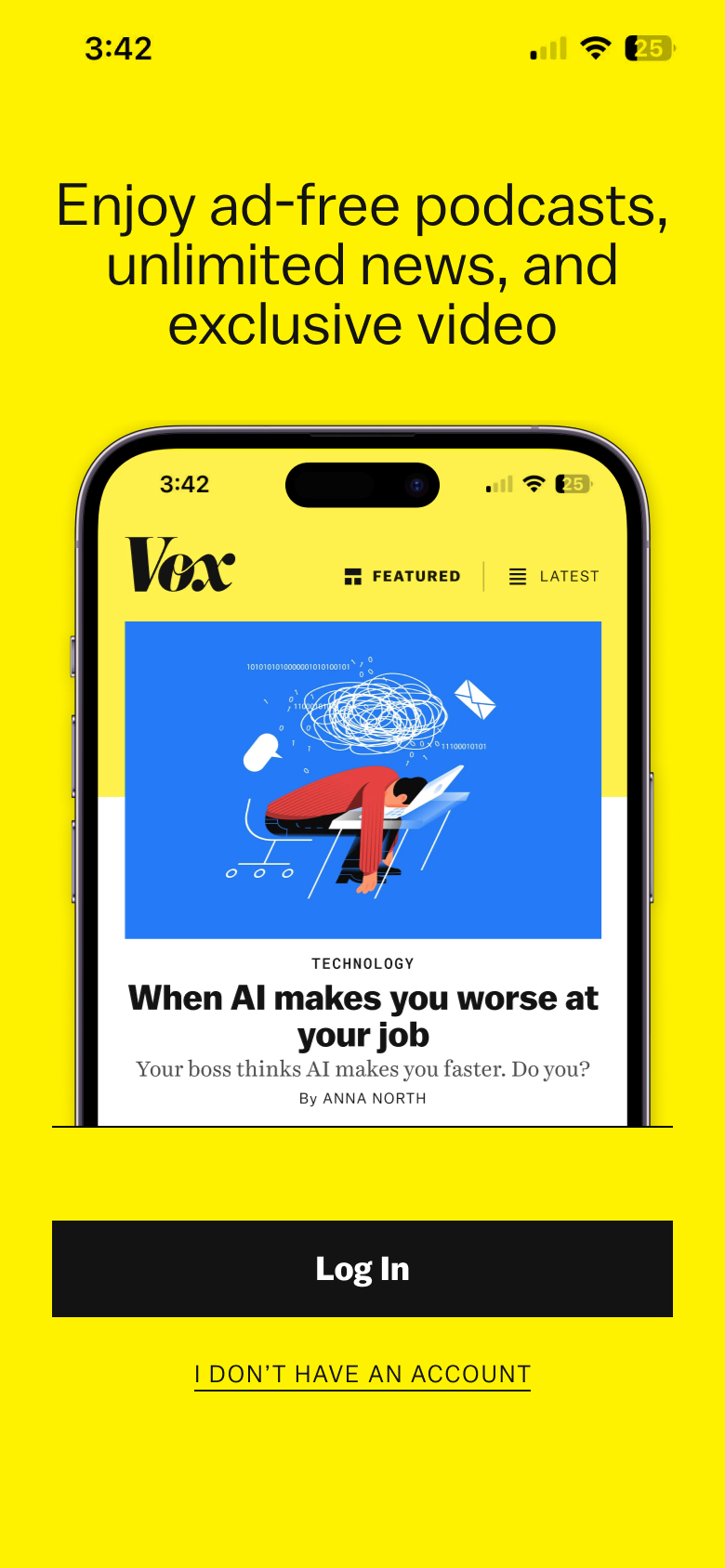 welcome screen
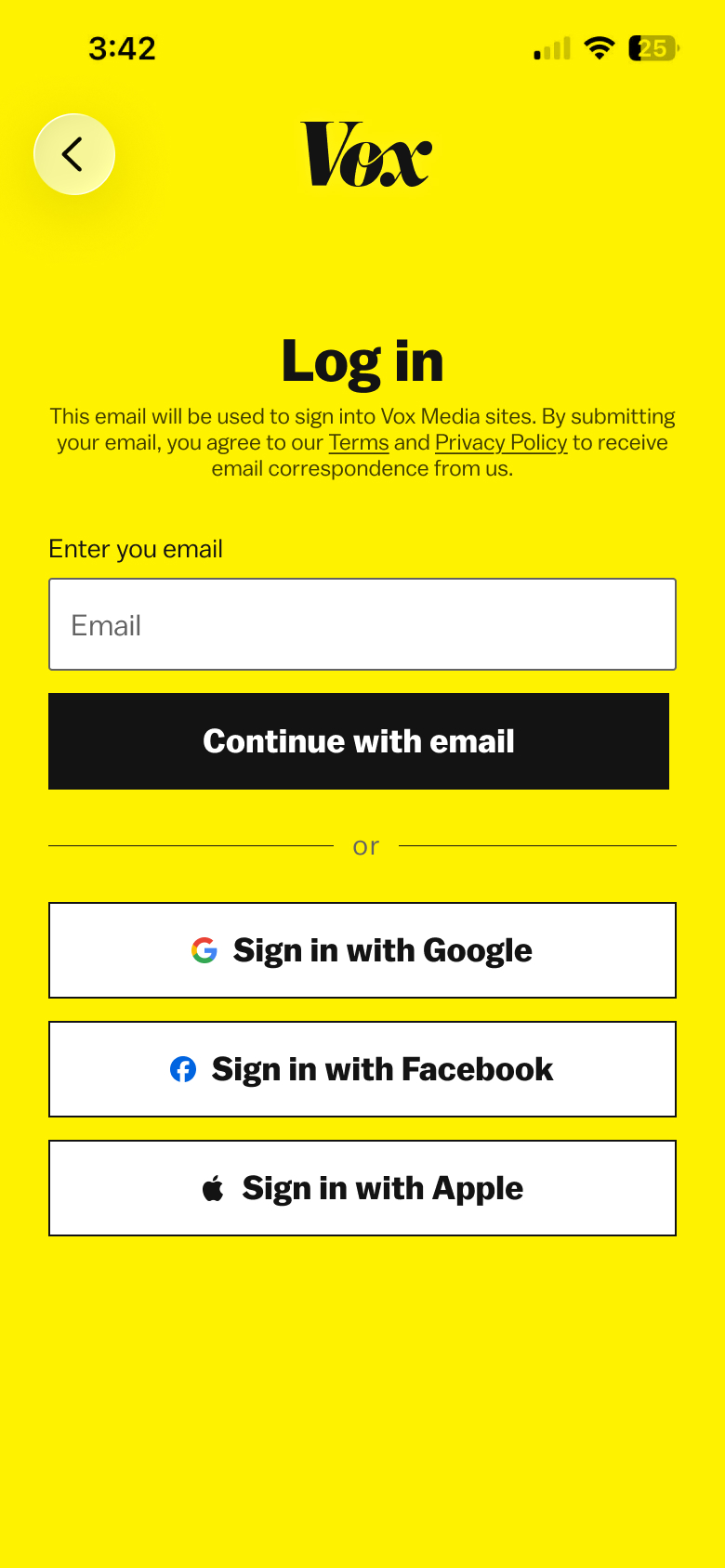 log in
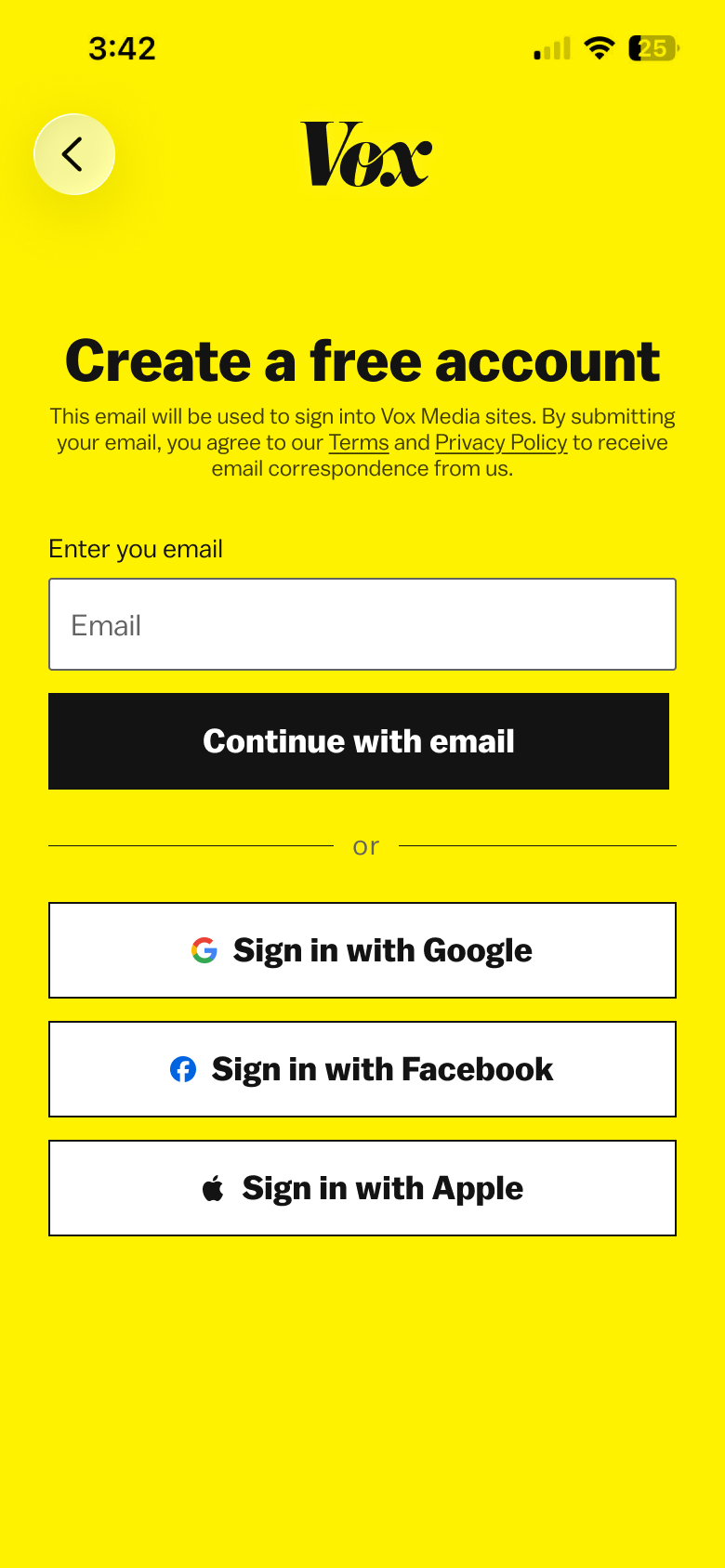 create account
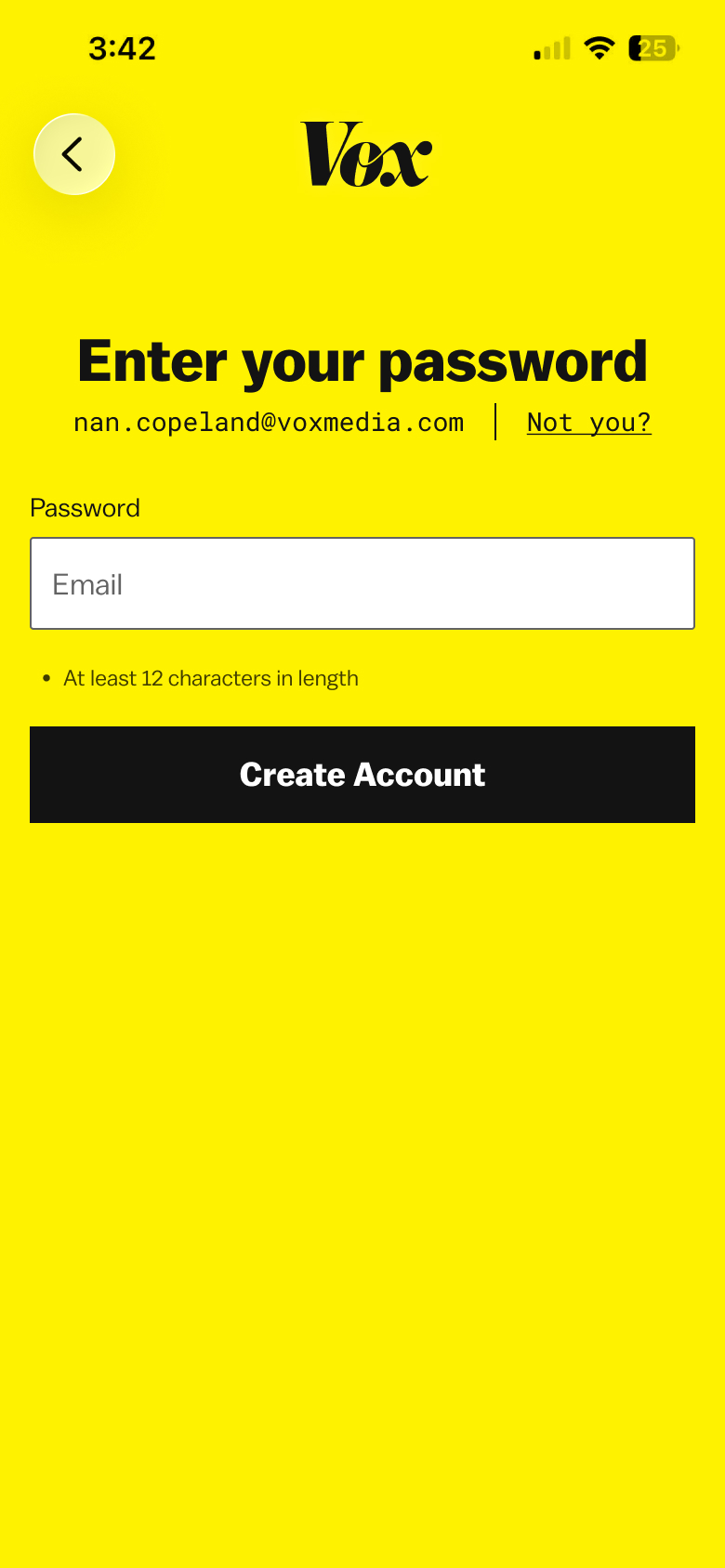 enter password
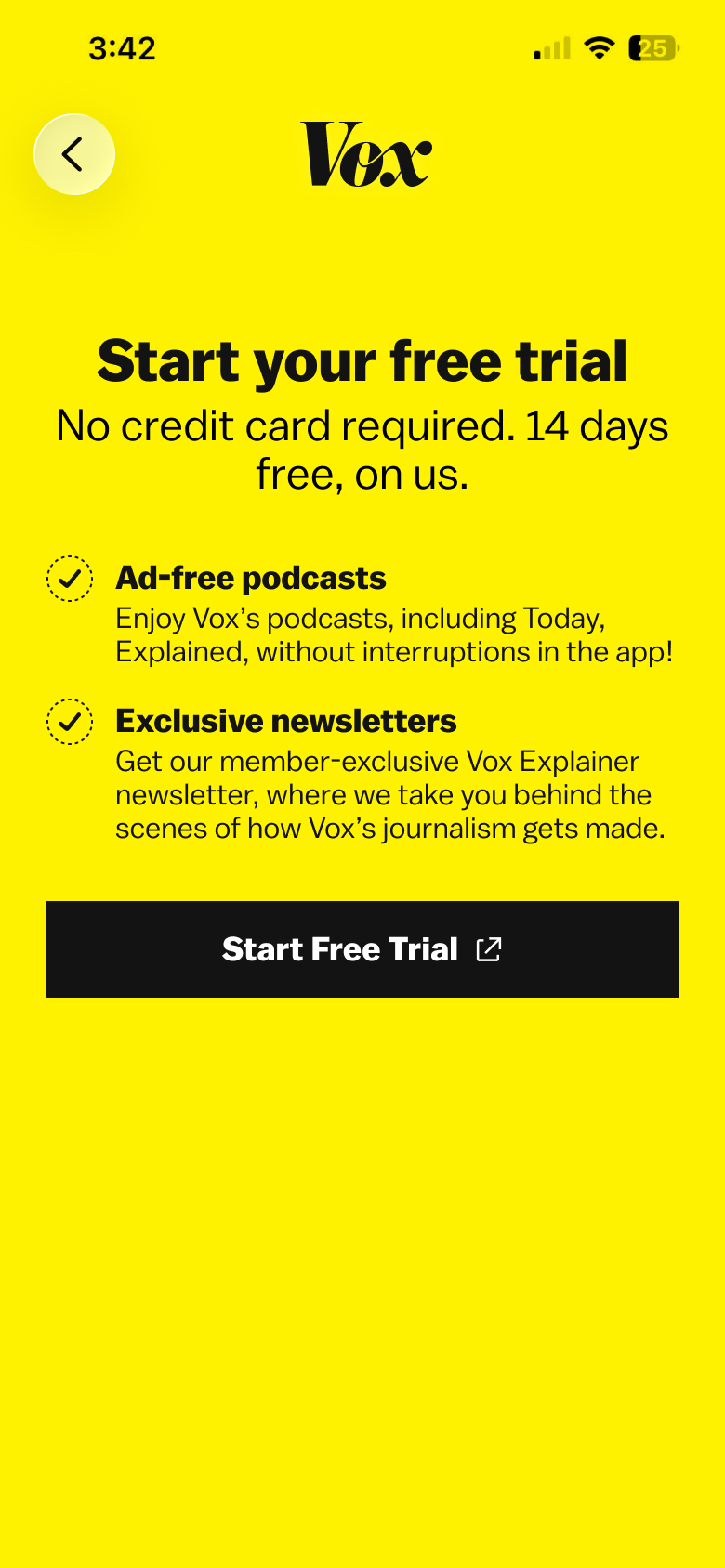 start free trial
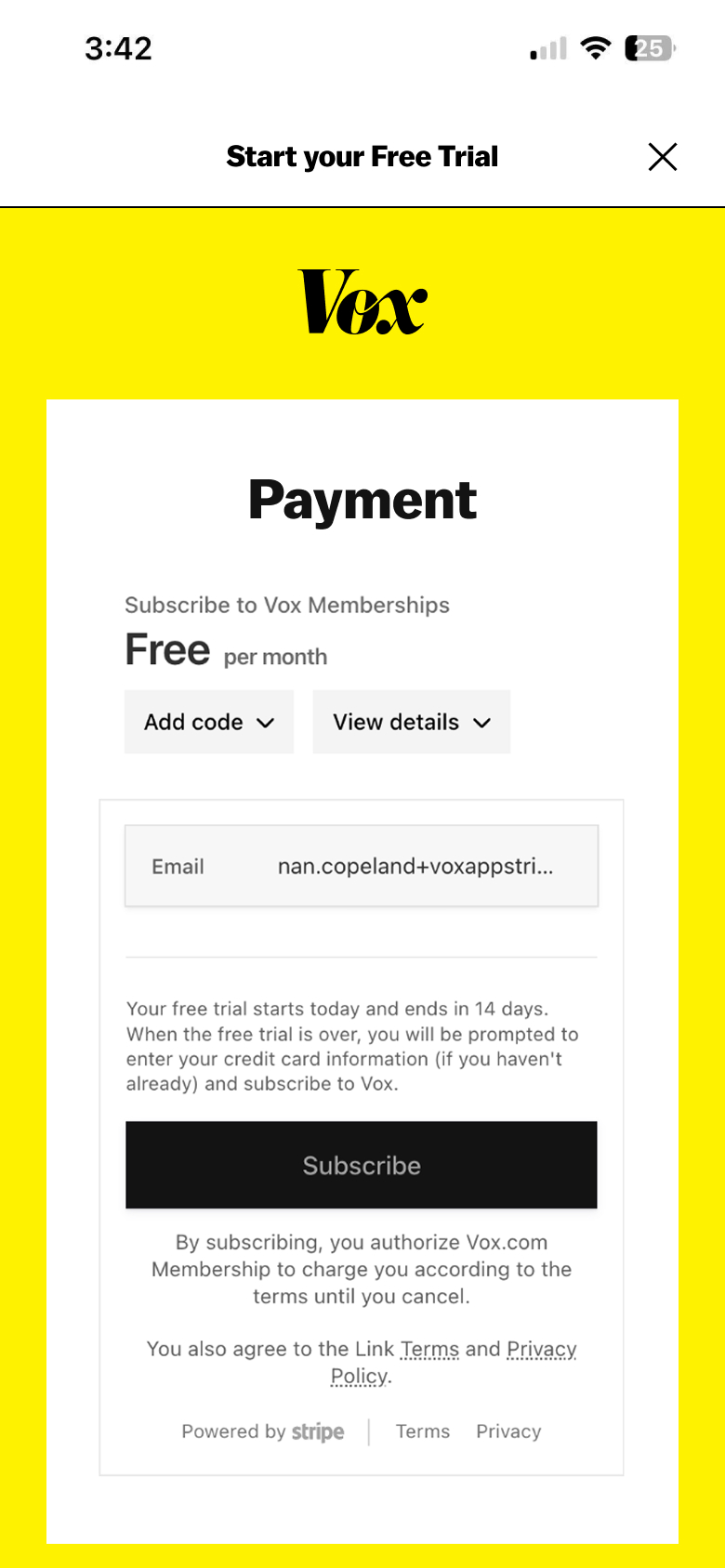 payment webview
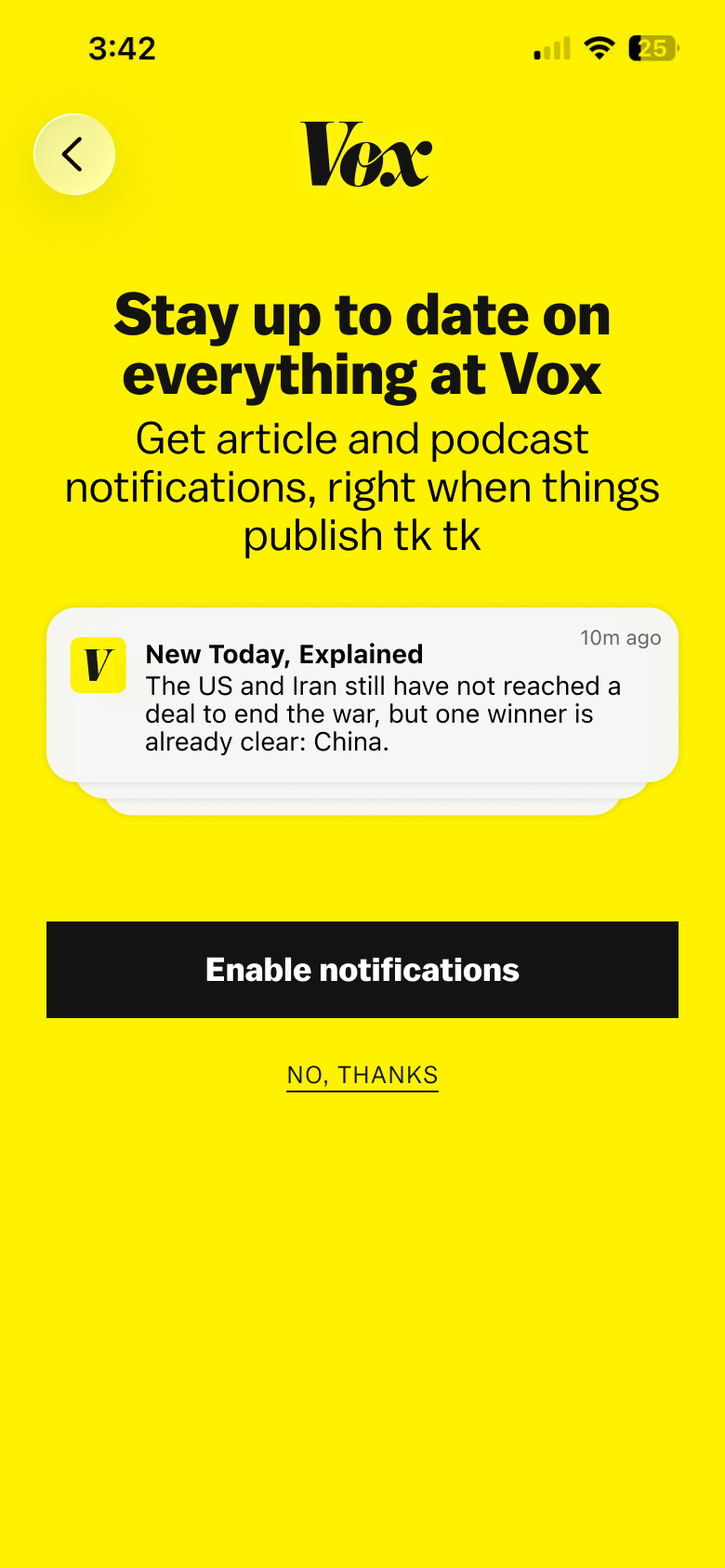 enable notifications